Websites that work for everyone.
Digital accessibility means having a web presence that works for everyone. For some, small details like font color and images can lead to missed information and a frustrating online experience. Having an ADA-compliant website takes intentionality, but what great website doesn’t? We’ll help you create a great web experience for everyone.
Every Brand Pro website now comes with tools built specifically for this: an accessibility widget that runs around the clock, and AI-powered tools that make accessible content easier to create and maintain.
ADA is for everyone.
Having an ADA-compliant school website means following a few website best practices. This isn’t about checking boxes—it's about creating a great user experience that benefits your entire school community.
An accessibility widget that works around the clock
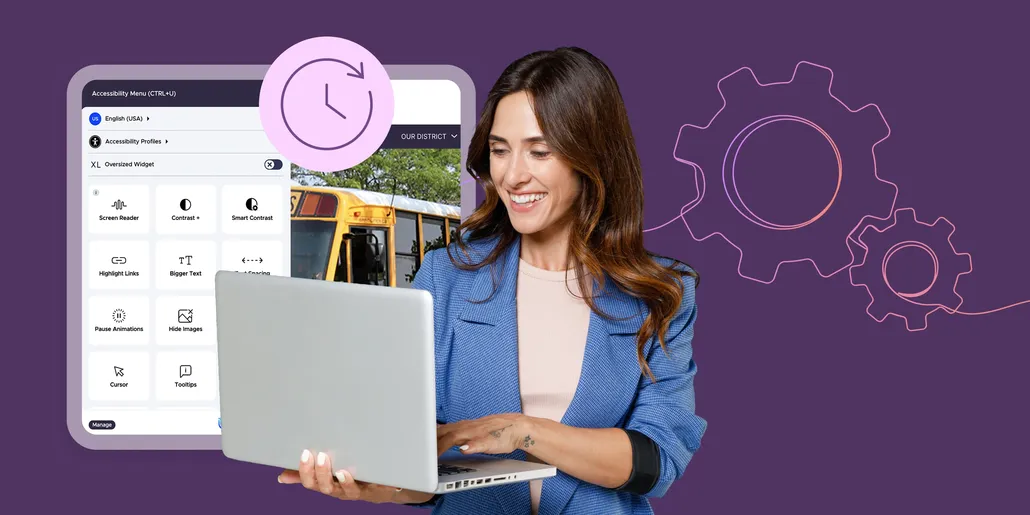
Every Brand Pro website now includes the Level Access accessibility widget, running quietly in the background to scan your site and automatically address common issues like missing image descriptions, low contrast, and navigation problems. Visitors also get their own toolbar to adjust text size, contrast, reading guides, and more, with support in over 50 languages. It's built into Brand Pro, so there's nothing for your team to set up or manage.
Note: The Level Access widget actively supports accessibility and helps districts work toward ADA compliance — it does not guarantee full compliance.
You've got this—and we're here to help.
From navigating audio content such as videos or podcasts to those pesky PDFs, our team has both the know-how and experience to help you stay on top of ADA compliance while crafting dynamic webpages.
We can help you navigate an OCR complaint, and avoid future issues.
With unlimited training, your whole team can feel confident discussing web accessibility.
We stay on top of changing accessibility guidelines.
Be keyboard accessible.
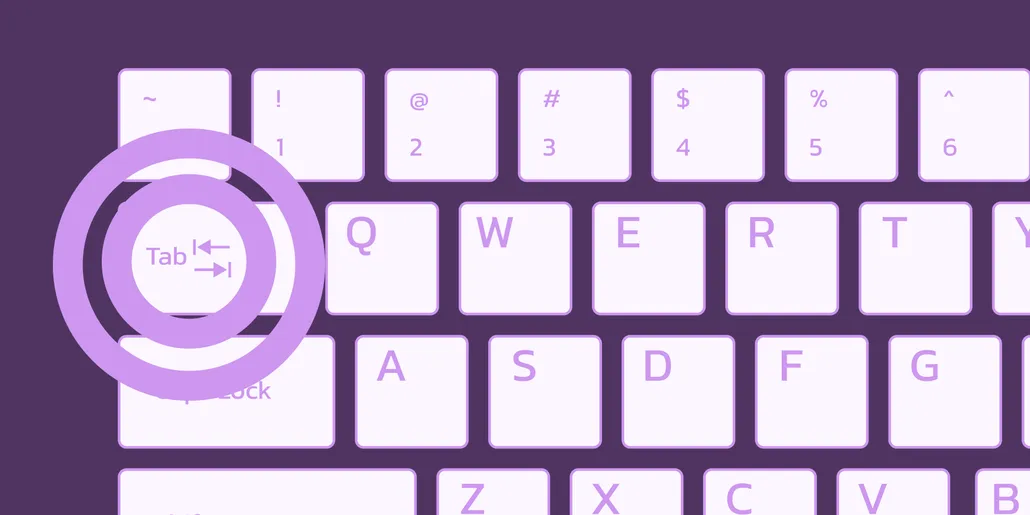
We keep things clean and orderly in the code of your site, helping those who can’t easily use a computer mouse get around your site via keyboard navigation.
Use tab and arrow keys to navigate.
Orderly code lets you follow page content.
Avoid menu traps.
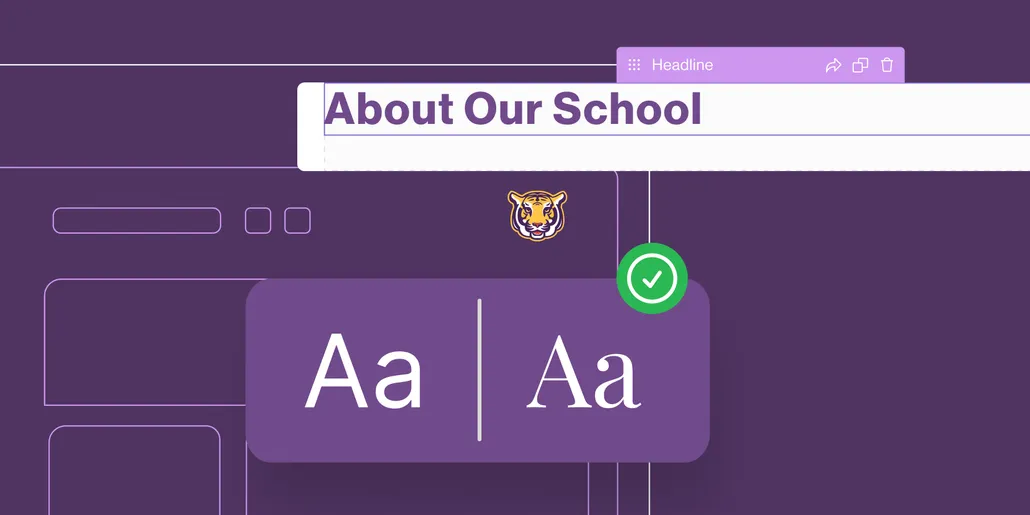
Make it easier for people to read your content.
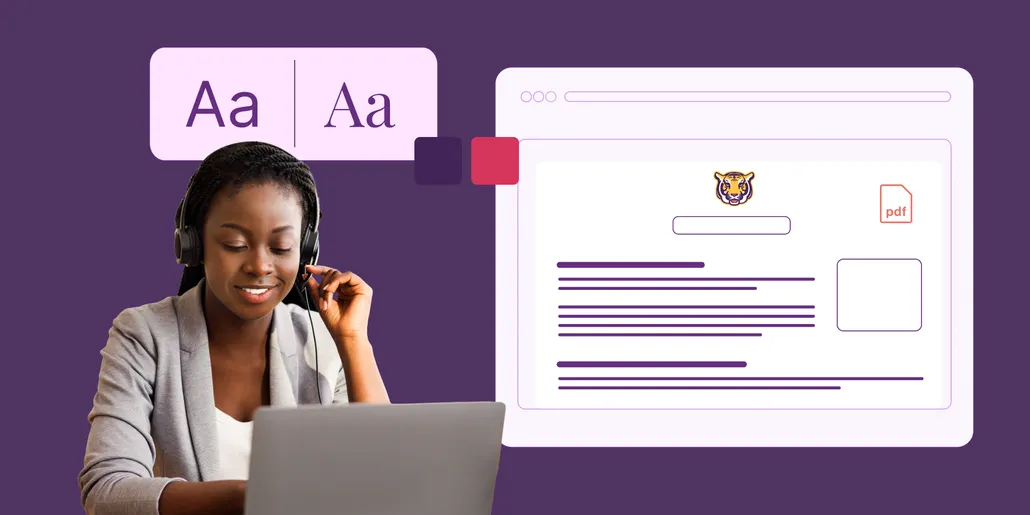
Design and layout make a huge impact on how well people with some types of vision impairments can read your text. Our ADA-compliant websites feature large text with font colors that contrast with the background.
Strong color contrast keeps your text from fading into the background.
Large font helps everyone read better.
Your font face matters—keeping things simple keeps your content legible.
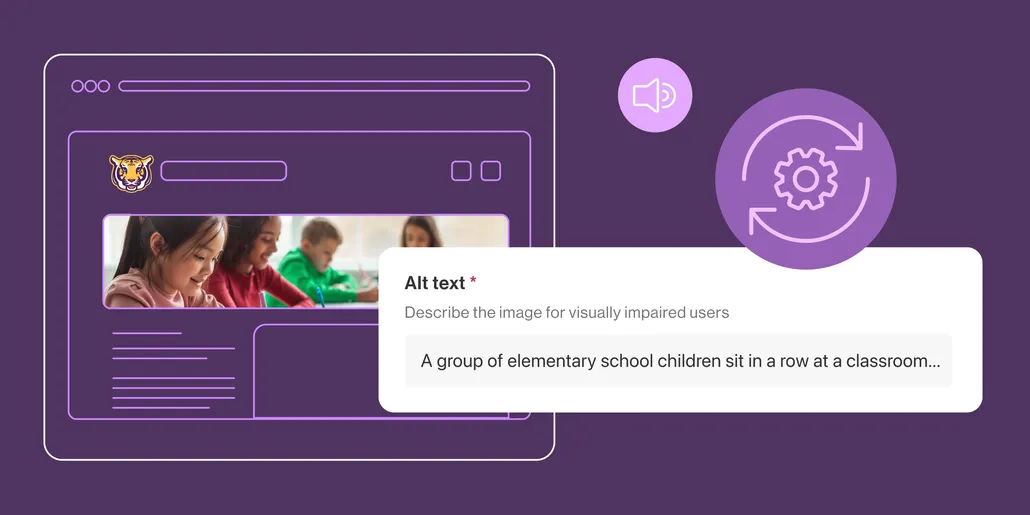
Play nice with assistive technology.
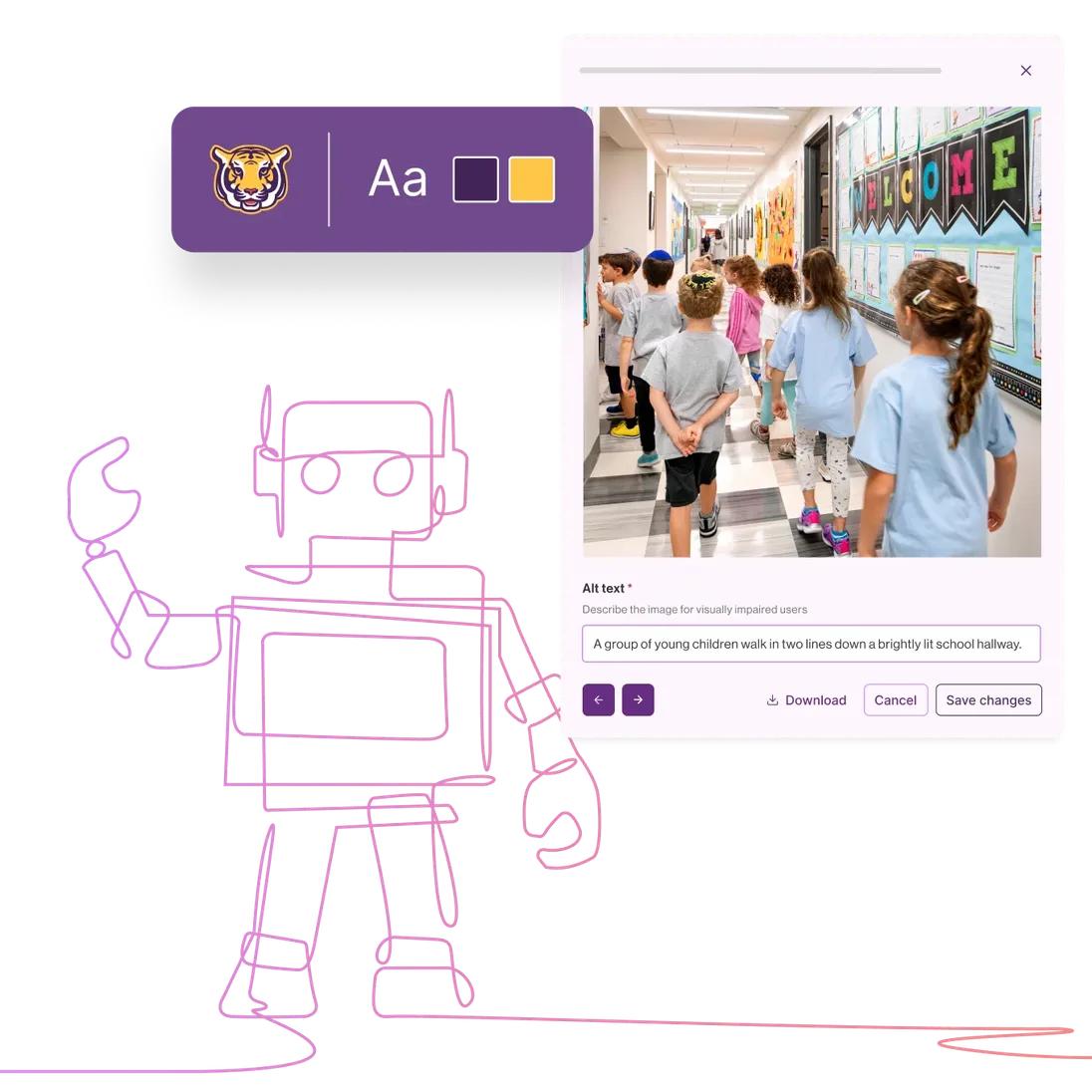
Tools like screen readers help make sense of web content for people that are visually impaired. Our tools require elements such as alt text to help images come to life for these website visitors.
The Level Access widget and AI Alt Text work together to catch missing alt text automatically, so screen reader users aren't left guessing what an image shows.
Help assistive technology process images with alt text.
Labels help make understanding tables a breeze.
Avoid confusion with clear hyperlinks.
ADA is for everyone.
Having an ADA-compliant school website means following a few website best practices. This isn’t about checking boxes—it's about creating a great user experience that benefits your entire school community.
Be keyboard accessible.
We keep things clean and orderly in the code of your site, helping those who can’t easily use a computer mouse get around your site via keyboard navigation.
Use tab and arrow keys to navigate.
Orderly code lets you follow page content.
Avoid menu traps.
An accessibility widget that works around the clock
Every Brand Pro website now includes the Level Access accessibility widget, running quietly in the background to scan your site and automatically address common issues like missing image descriptions, low contrast, and navigation problems. Visitors also get their own toolbar to adjust text size, contrast, reading guides, and more, with support in over 50 languages. It's built into Brand Pro, so there's nothing for your team to set up or manage.
Note: The Level Access widget actively supports accessibility and helps districts work toward ADA compliance — it does not guarantee full compliance.
Make it easier for people to read your content.
Design and layout make a huge impact on how well people with some types of vision impairments can read your text. Our ADA-compliant websites feature large text with font colors that contrast with the background.
Strong color contrast keeps your text from fading into the background.
Large font helps everyone read better.
Your font face matters—keeping things simple keeps your content legible.
You've got this—and we're here to help.
From navigating audio content such as videos or podcasts to those pesky PDFs, our team has both the know-how and experience to help you stay on top of ADA compliance while crafting dynamic webpages.
We can help you navigate an OCR complaint, and avoid future issues.
With unlimited training, your whole team can feel confident discussing web accessibility.
We stay on top of changing accessibility guidelines.
Play nice with assistive technology.
Tools like screen readers help make sense of web content for people that are visually impaired. Our tools require elements such as alt text to help images come to life for these website visitors.
The Level Access widget and AI Alt Text work together to catch missing alt text automatically, so screen reader users aren't left guessing what an image shows.
Help assistive technology process images with alt text.
Labels help make understanding tables a breeze.
Avoid confusion with clear hyperlinks.
OCR complaint? We've got your back.
Establish a plan.
Having an accessibility policy and engaging in ongoing conversations is key to avoiding any future OCR concerns. We're here to help.
If a complaint does come in while the Level Access widget is active, districts also get access to UserWay's attorney-led litigation support program for additional backing.
Audit your site for accessibility.
We’ll help you pinpoint potential ADA concerns so you’ll know what to prioritize in setting up your website.
Get your team trained.
With a client success manager, unlimited training, and live support chat, you can rest easy knowing you have Apptegy on your side to support your entire team.
ADA made easy.
Digital accessibility is a big topic. We're here to help you every step of the way, from website design to ongoing training and support.
Apptegy manages accessibility at the platform level, including clean code structure, keyboard navigation, color contrast, screen reader compatibility, and technical accessibility standards built into the platform itself. Brand Pro also includes the Level Access accessibility widget, which runs in the background to automatically address common issues like missing alt text and low contrast in real time.
What still depends on your staff is the accessibility of the content they create and upload, including captions on videos and descriptive link text. Apptegy also supports this work with functionality designed to reduce the manual burden on staff, including AI Alt Text to help generate image descriptions and AI Page Builder, which converts existing PDFs and documents into accessible, website-ready pages with a single prompt.
Together, those tools help districts strengthen accessibility while making it easier for staff to maintain good content practices across the district.